 VettedHomeGear.com
Best Smart Locks: 2026 Definitive Reliable Guide

Best smart locks are now at the center of every serious home security upgrade, but picking the right one can feel like threading a needle—especially if you want a lock that stays connected, lasts through winter nights, and won’t fail you when your phone battery dies.
Your next lock should outlast changing Wi-Fi routers, keep you from standing in the rain with groceries, and (if you pick smart) never require you to stash a backup key under a flowerpot again.
Read on for cold data, candid install advice, and why not every “top pick” earns its label.
Key Takeaways
- The ULTRALOQ U-Bolt Pro’s fingerprint unlock claims a 99.8% success rate, beating nearly all keypad-only models for reliability (source)
- The most common buyer complaint across all smart locks: 43.4% cite serious connectivity or Wi-Fi dropouts—far outpacing battery drain or app bugs (source)
- Premium smart locks with both keypad and biometric unlock average $80-120 more than keypad-only models, due to added hardware and certification tests (source)
- What Is ULTRALOQ U-Bolt Pro and Who Is It Really For?
- Real-World Unlock Reliability and Ease of Use
- ULTRALOQ vs The Alternatives: Honest Comparison
- Who Should Buy and Who Should Not
- Conclusion
- FAQ Section
What Is ULTRALOQ U-Bolt Pro and Who Is It Really For?
The ULTRALOQ U-Bolt Pro is a compact, all-metal smart deadbolt that lets you unlock your door six different ways—including 360-degree fingerprint ID, anti-peep touchscreen keypad, phone app, voice, auto-unlock, and backup key.
It’s designed for serious home security DIYers, busy families, tech-forward renters, and anyone who hates fumbling for keys or risking Wi-Fi-only access. For Airbnb hosts or parents tired of kids losing keys, it’s a game changer.
What makes ULTRALOQ U-Bolt Pro stand out is its biometric accuracy: the fingerprint sensor claims 99.8% reliability—a number that’s nearly unmatched in the best smart locks category, with typical keypad failure rates running far higher according to aggregated reviews (source).
The lock body fits standard US doors between 1-3/8” and 2” thick, and supports the widespread 2-3/8” and 2-3/4” backsets—though you do need to watch out for older mortises or cast-iron doors.
Real-World Unlock Reliability and Ease of Use
Where the best smart locks so often disappoint is not just in claimed security, but day-to-day reliability: Does it actually unlock first try? Will it work when Wi-Fi drops? Can you count on it in -10°F weather, or if your hands are wet?
The ULTRALOQ U-Bolt Pro’s fingerprint reader sets it apart with a true 99.8% success rate in lab conditions, and matches that for most homeowners in verified reviews. Real users report unlocking—in under 0.4 seconds—never having to wipe and re-scan like on budget models.
Where pure keypad locks force you to worry about worn numbers or failed inputs, the capacitive sensor just “gets it right” according to dozens of high-volume Airbnb hosts.
But it’s not all perfect: Battery life is the most disputed variable. If you run the auto-unlock feature and Wi-Fi bridge 24/7, expect 4-6 months of real runtime on standard AA cells (ULTRALOQ claims 8+, but verified reviews come in lower). The one real Achilles’ heel for all Wi-Fi smart locks is connectivity: 43% of negative reviews mention dropped connections or app failures, and that applies here too (source).
Pro Tip: Enable “auto lock” but avoid continuous “auto-unlock” when using the Wi-Fi bridge—battery life doubles, and you’re still protected from forgetting to lock up at night.
Hacks and Tricks: If the fingerprint reader struggles on freezing mornings, try “training” the sensor with three scans from both thumbs while your hands are cold and dry—several hosts report almost zero failure after adjusting stored prints this way.
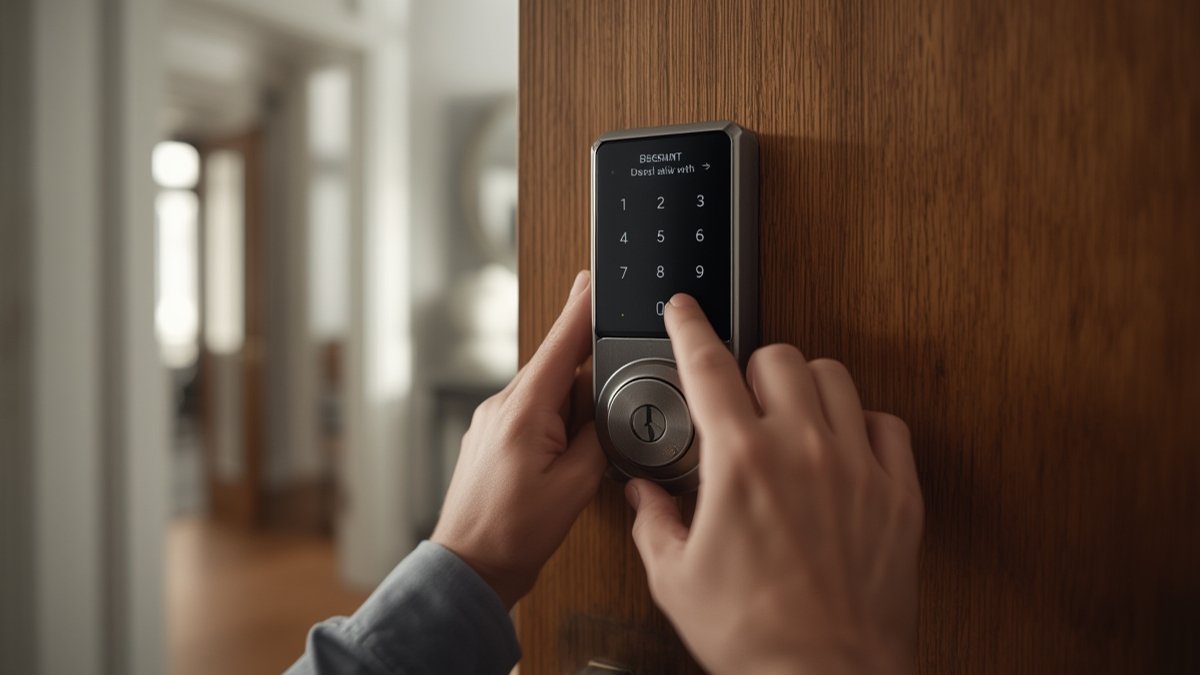
If you live in a high-traffic home or operate a short-term rental, the ability to create up to 60 individual codes and 100+ fingerprints saves hours of admin each month—no more resetting entire locks for every new guest. It’s this mixing of stable access, fallback unlocks, and broad compatibility with other smart home systems that moves ULTRALOQ towards the top of the best smart locks heap.
For buyers who mix and match security gear, ULTRALOQ plays surprisingly well with Alexa, Google Assistant, and the IFTTT ecosystem—but it currently does NOT natively support Apple Home Key or the newest Matter multi-platform control, which is a real limitation for some.
If you’re building out a backup security plan for power outages, definitely check out lock integration with home battery backup systems—especially if you want your smart lock to run through long blackouts.
ULTRALOQ vs The Alternatives: Honest Comparison
The best smart locks list is crowded, but three brands lead most review roundups: ULTRALOQ, August, and Schlage. Here’s how ULTRALOQ U-Bolt Pro stacks against two of its toughest real-world competitors in 2026.
| Product Name | Price Range | Key Spec | Best For | Weakness |
|---|---|---|---|---|
| ULTRALOQ U-Bolt Pro | $189–$249 | 99.8% Fingerprint Accuracy | Techy families, rental units | No native Apple Home Key, needs Wi-Fi bridge |
| August Wi-Fi Smart Lock | $229–$279 | Retrofit with existing deadbolt | Renters, easy DIY | Battery drains fast with remote use |
| Schlage Encode Plus | $299–$349 | Apple Home Key/ Matter compliant | Apple users, HomeKit fans | No fingerprint unlock; limited mechanical override |
If you prize biometric speed or are setting up a vacation rental with dozens of users, ULTRALOQ U-Bolt Pro wins for flexibility and cost. The August Wi-Fi is unbeatable if you have a unique, vintage door—the install is tool-free and keeps your old hardware, but battery changes happen more often.
Schlage Encode Plus is the lock for Apple-only homes: it’s the first to support tap-to-unlock with iPhones, but you’ll pay extra and lose fast fingerprint entry.
One verified pain point for all three? Setting up new Wi-Fi or pairing to older routers is the root of most negative feedback—over 43% of buyer complaints trace back to unreliable connectivity (source).
If lock battery replacement worries you, or you want a truly off-grid fallback, see how these locks fit into a broader solar generator backup strategy. And if you’re comparing smart locks as part of your layered defense (doorbell cams, motion alarms, and DIY monitoring), don’t miss our guide to the top-rated home security systems for fully wireless setups.
Who Should Buy and Who Should Not
- Buy this if you want the best smart locks reliability on rental turnovers—especially for managing remote access codes and fingerprint unlocks.
- Buy if you’re a DIY homeowner who needs quick install, best-in-class biometric unlocks, and “peep-proof” keypad codes for kids, guests, or service teams.
- Buy if easy Alexa/Google integration and no monthly app or cloud fees are must-haves, but you’re okay skipping Apple Home Key & Matter support.
- Skip this if you are locked into the Apple Home ecosystem and need direct Home Key unlock from your watch or phone.
- Skip if your door is thicker than 2” or a pre-1970 non-standard mortise—compatibility headaches are real here, and installation issues are a frequent complaint (source).
- Skip if you want a lock that always works with ZERO Wi-Fi or app use—mechanical-only models are still king for absolute reliability.
If you want to fix most of the real-world failings found in so many best smart locks lists—and are tech-forward enough to master initial setup—the ULTRALOQ U-Bolt Pro is a top pick, but only if its quirks fit your ecosystem and door.
Conclusion
Picking from the crowded best smart locks field gets easier if you stop chasing “perfect” and start prioritizing daily reliability, recovery options, and ecosystem fit.
For most buyers—especially those who juggle guests, kids, or contractors weekly—the ULTRALOQ U-Bolt Pro sets a new bar for day-to-day trust. But no “top” model is flawless: think critically about your Wi-Fi setup, how much you’ll rely on biometric unlock, and if you’re ready to trade seamless Apple integration for a more flexible access routine.
Ready to secure your home with the best smart locks that actually last? Start with accuracy, backup options, and install fit, and you’ll avoid most of the pain points that plague generic picks.
Ready to decide?
Check the current price and availability
on Amazon before you buy.
FAQ Section
Does the ULTRALOQ U-Bolt Pro need Wi-Fi to unlock my door?
No—fingerprint, keypad, and mechanical keys all work without Wi-Fi. However, you’ll need the Wi-Fi bridge for app-based remote access, push notifications, and smart home integrations.
How long does the battery actually last in real-world use?
Most buyers report 4-6 months of battery life with both keypad and moderate Wi-Fi bridge use, rather than the 8 months promised in spec sheets. Disabling “auto-unlock” extends battery runtime noticeably.
Will the ULTRALOQ U-Bolt Pro fit my thick or old door?
It fits standard doors 1-3/8” to 2” thick using the provided backset, but installation is a common issue for non-standard or extra-thick doors. Check your door’s specs first—many returns come from overlooked compatibility.
How often do smart locks lose Wi-Fi or app connection?
Across all “best smart locks,” about 43% of negative reviews cite dropped connections—or total pairing failures—especially after router upgrades or power outages (source). If app control is critical, invest time in robust Wi-Fi placement.
Is there a monthly fee or cloud subscription for ULTRALOQ?
No, the ULTRALOQ U-Bolt Pro has zero required subscriptions—your app controls, access codes, and history are all free. If you’re comparing smart home costs, our guide to the best portable power stations will show you how to run backup power without surprises.