 VettedHomeGear.com

Ring Alarm Pro Review: the Honest Warning 2026 Verdict

Ring Alarm Pro review searches have exploded for one reason: homeowners want more than just security — they want reliable Wi-Fi that never lets them down in an emergency. If you’ve ever wondered whether Ring’s hybrid security system and mesh router really simplifies your smart home or quietly collects new headaches, you’re in the right place.
This Ring Alarm Pro review goes beyond basic specs and marketing claims, shining a spotlight on integration quirks, hidden costs, and why some buyers are making the switch from SimpliSafe — or not.
You’ll find precise stats straight from Ring’s documentation, plus expert tips on how to avoid common setup pitfalls. Most “Ring Alarm Pro review” guides skip real-world limitations or cost breakdowns. Here, you’ll get the honest rundown on what the Alarm Pro can (and can’t) do for your security, backup connectivity, and smart home ambitions.
Key Takeaways
- Ring Alarm Pro combines a full eero Wi-Fi 6 mesh router with Ring’s professional-grade security system, covering up to 1,500 sq. ft. and supporting rated speeds up to Wi-Fi 6 (up to 900 Mbps) — actual performance depends heavily on your home’s layout and wiring (source).
- Top complaint among real-world users: Wi-Fi range and speeds rarely match manufacturer claims in homes with thick walls or competing devices — choose eero extenders or double NAT configs for larger spaces (source).
- Must-have subscription: You’ll need Ring Protect Pro for professional monitoring, cloud video storage, and 24/7 backup internet — expect real costs to be higher than competing DIY systems.
- What Is Ring Alarm Pro and Who Is It Really For?
- Mesh Wi-Fi with Built-In Eero: What the Specs Don’t Tell You
- Ring Alarm Pro vs The Alternatives: Honest Comparison
- Who Should Buy and Who Should Not
- Conclusion
- FAQ
What Is Ring Alarm Pro and Who Is It Really For?
Ring Alarm Pro is Ring’s flagship home security and smart Wi-Fi hub — a single device that fuses a full-featured Ring alarm system with an eero Wi-Fi 6 router. It’s designed specifically for tech-forward households who want effortless, all-in-one setup: one box, both robust DIY security and modern mesh internet. If you’re already invested in the Ring ecosystem — maybe with a Ring video doorbell or Ring Floodlight Cam — it promises to make your whole home just work together.
The ideal buyer? Homeowners or renters moving into a new place who want quick DIY installation, folks who’ve battled patchy Wi-Fi with older cable-modem combos, or anyone tired of juggling multiple subscription portals for their security and smart home needs.
The Ring Alarm Pro’s defining spec is its built-in eero router, promising Wi-Fi 6 speeds up to 900 Mbps (wired) and 1,500 square feet coverage from a single hub — a major leap if your current router can’t punch a signal past the laundry room.

Mesh Wi-Fi with Built-In Eero: What the Specs Don’t Tell You
The killer feature behind every Ring Alarm Pro review? Seamless mesh networking paired with pro-level security monitoring. In theory, you get flawless Wi-Fi coverage and always-on protection even if the power or internet goes out. Let’s break down how reality measures up.
Ring claims the Alarm Pro covers up to 1,500 sq. ft. with a built-in eero Wi-Fi 6 router, delivering up to 900 Mbps via Ethernet under ideal conditions (source). But, as dozens of buyers point out on the official Ring Community boards, real-world speeds and coverage depend on your actual house. Users in modern homes with open floorplans see reliable coverage, but owners with thick plaster walls or multiple stories often hit dead zones and report speeds far below the rated maximum, sometimes as low as 100–200 Mbps (source).
Want to extend? You need more eero units (sold separately). Backup internet via LTE only works if you take the time to configure Alarm Pro as your primary router — bridge mode kills backup, while double NAT (using the Pro behind your normal ISP router) is necessary for homes over 1,500 sq. ft. or if you need to daisy-chain extra extenders (source).
Pro Tip: For seamless cellular backup during outages, set the Ring Alarm Pro as your primary router — avoid bridge mode or your whole backup plan falls apart.
Hacks and Tricks: Assign smart plugs and IoT bulbs to a dedicated eero guest network. This helps compartmentalize older wireless gear and keeps your main devices both fast and more secure — a trick even seasoned pros sometimes forget.
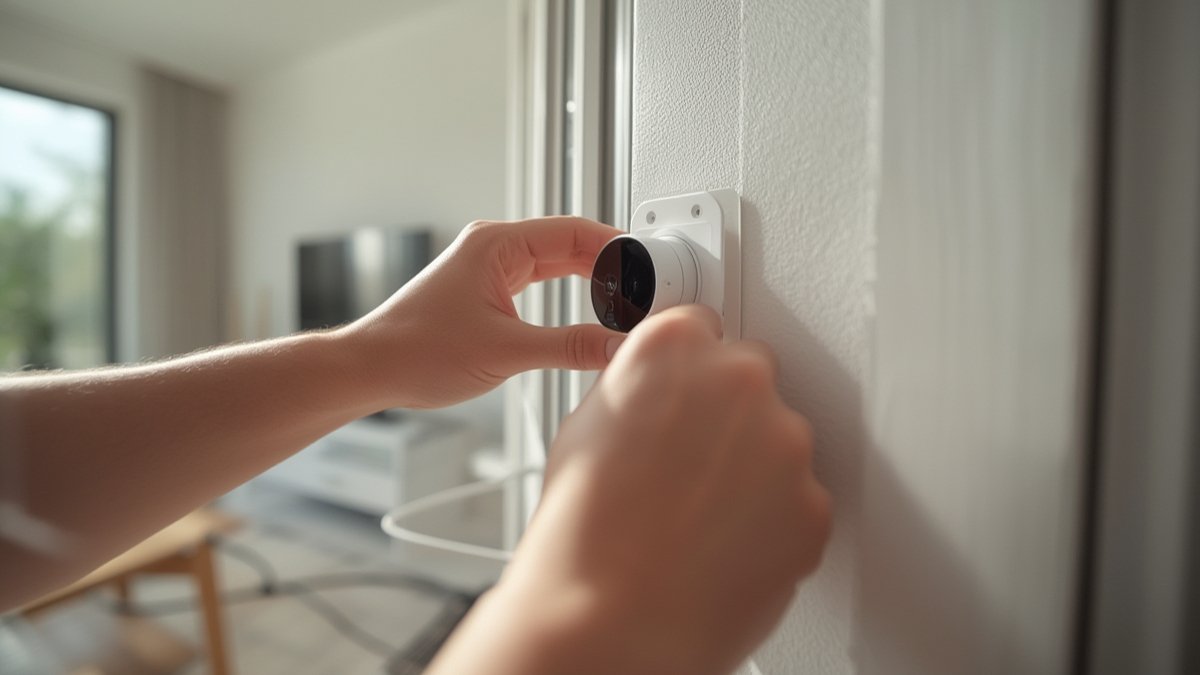
Some buyers love the “one-stop-shop” feel, especially when integrating Ring cameras, smart locks, and video doorbells (see our best smart locks picks for compatible deadbolts). Others point out a real downside: there’s no advanced network segmentation for isolating vulnerable IoT gear. Security-conscious users might want better control over device separation — something pro routers offer natively but Alarm Pro currently lacks.
Ring Alarm Pro vs The Alternatives: Honest Comparison
Choosing the right system means weighing Ring Alarm Pro review stats against competitors. Let’s stack it up with SimpliSafe (the classic rival) and a combo approach with Eero 6 Mesh + Wyze Security Kit.
| Product Name | Price Range | Key Spec | Best For | Weakness |
|---|---|---|---|---|
| Ring Alarm Pro (with built-in eero) | $299–$379 starter kit ($20–$30/mo for Ring Protect Pro) |
Wi-Fi 6 (up to 900 Mbps), 1,500 sq. ft. per unit, LTE backup, pro monitoring | Smart homes needing both mesh Wi-Fi and security, all-in-one fans | Paywall for full features, spotty Wi-Fi in larger/multi-story houses |
| SimpliSafe (Gen 3) | $250–$400 kit ($18–$28/mo for monitoring) |
Wireless security, no integrated router, works with Alexa/Google | Renters/owners wanting no-surprise DIY installation and very easy app | No mesh networking, separate router required, limited smart home tie-ins |
| Eero 6 Mesh + Wyze Security Kit | $250–$300 router kit +$100–$200 security kit ($10–$20/mo for monitoring) |
Wi-Fi 6 mesh (expandable), modular cameras/alarms | Buyers who want best-in-class Wi-Fi and control their own security stack | Separate apps/integration, DIY config takes more work, can’t use Ring features |
If you need to keep everything in one app, value Alexa routines, and want cellular backup for emergencies, Ring Alarm Pro stands out. Go SimpliSafe if you prefer lower up-front costs and separate your Wi-Fi from your security. The hybrid approach wins if you’re a power user who cares more about superior Wi-Fi and handpicking cameras or sensors.
One major pain point surfaced by buyers: some report Ring Alarm Pro’s Wi-Fi rarely hits real-life max speeds unless you have ideal wiring and nearby ISP access points (source). This is not unique to Ring, but worth considering if your house is large, old, or full of brick and metal.

Who Should Buy and Who Should Not
- Buy this if you want a turnkey solution that gives you both pro-grade security and a fast, centrally-managed Wi-Fi network from one box.
- Buy this if your home is under 1,500 sq. ft. and you primarily use newer Wi-Fi 6 devices for smart locks, doorbells, and Alexa voice routines.
- Buy this if you already have Ring cams, sensors, or plan to automate your home with Ring’s growing device library.
- Skip this if your home is much larger, split over multiple floors, or has especially thick walls — mesh extenders add cost and aren’t plug-and-play seamless.
- Skip this if you’re not comfortable subscribing to multiple paid plans (Ring Protect Pro for monitoring, Eero Secure for advanced network security).
- Skip this if you need advanced network controls, VLANs, or strong network segmentation for IoT security — the Ring Alarm Pro’s router is beginner-friendly but not for power users.
The Ring Alarm Pro review puts it squarely: if you want maximum simplicity and are comfortable with subscription costs, this is an unbeatable combo. Smart home pros or those who need robust networking features will probably want to look elsewhere.
Conclusion
Whether you’re upgrading from a DIY security kit or rebuilding your home network from scratch, the Ring Alarm Pro review proves it’s an ambitious, convenience-driven system that genuinely delivers on all-in-one simplicity — but it’s not without real-world tradeoffs.
Expect to pay for every convenience: full video cloud storage, 24/7 backup internet, and automation features all require paid plans, so your long-term cost easily matches or exceeds premium competitors.
The biggest weakness? Wi-Fi performance and coverage are genuinely variable. In wider homes, historic properties, or houses stuffed with old wiring and thick walls, Ring’s promises of “whole home” coverage via one hub fall short. If you’re happy to invest in extenders and stay inside the Ring/Amazon walled garden, though, Alarm Pro is a seriously compelling package.
If you’ve made it this far in our Ring Alarm Pro review, you’re likely the kind of buyer who appreciates seeing both the raw numbers and the fine print — and that’s exactly why Alarm Pro stands out in a crowded field.
Ready to decide?
Check the current price and availability
on Amazon before you buy.
FAQ
Can Ring Alarm Pro really replace my current Wi-Fi router?
Yes, Ring Alarm Pro fully replaces your main Wi-Fi router when used in primary or double NAT (not bridge) mode. Setup is beginner-friendly, but if your home is larger than 1,500 sq. ft., expect to buy more eero extenders for reliable coverage (source).
Is cellular backup truly reliable for security alerts and connectivity?
Cellular backup (24/7 Backup Internet) works if configured as your main router and with a Ring Protect Pro subscription. If you place Alarm Pro in bridge mode, the LTE backup won’t trigger at all (source).
What are the hidden costs with Ring Alarm Pro?
To unlock pro monitoring, cloud video history, and backup LTE, you must subscribe to Ring Protect Pro. If you want extra antivirus and parental controls for your Wi-Fi, you’ll also need Eero Secure. Over 3 years, many buyers spend more than on comparable DIY security and mesh networks.
Does Ring Alarm Pro work with Google Home or Apple HomeKit?
Ring Alarm Pro is Alexa-first. There’s no direct Apple HomeKit or Google Home integration, though many Ring devices can be manually added using Alexa Routines or IFTTT for basic workflows. For rich cross-ecosystem compatibility, look at independent mesh routers and separate security kits.
Will adding more video doorbells or smart locks slow down my Ring Alarm Pro Wi-Fi?
If your devices use the 2.4GHz band (most smart locks, bulbs, or old cameras), strong Wi-Fi 6 coverage helps, but real-world speed drops if too many devices compete in a busy household. Consider using guest networks and eero extenders if you plan to scale up your smart home. Check out our Best Smart Home Security Systems guide for more robust alternatives.